
AI Chatbot for Clinics — How to Automate Your Front Desk Without Replacing Your Staff
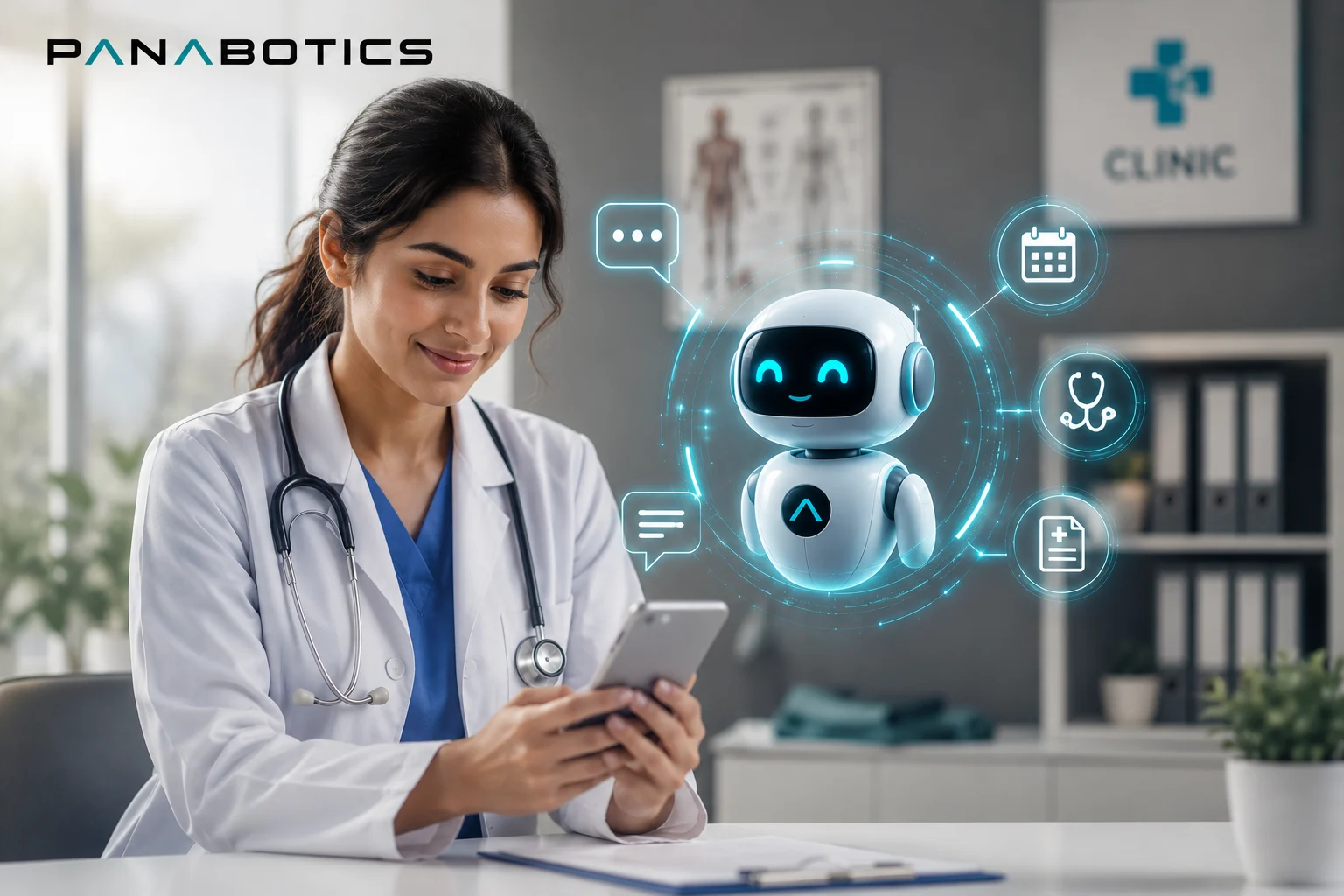
The phone rings while the receptionist is checking in a patient. A WhatsApp message arrives asking about Saturday appointments while the practice is closed. Three new enquiries land in the website contact form over the weekend, each expecting a reply by Monday morning. This is a normal week for most clinic front desks — and it is entirely unsustainable without either burning out your staff or missing patients who go elsewhere.
An AI chatbot for clinics does not replace the people who make your practice feel human. It handles the predictable, repetitive communication — booking requests, reminders, FAQs, cancellations, and after-hours enquiries — so your staff can focus on the patients who need them most: the ones sitting in the waiting room.
This guide covers what a clinic chatbot actually does, which practice types benefit most, what to expect from the setup process, and how to avoid the compliance and quality mistakes that make some healthcare chatbots do more harm than good.
Why Clinic Front Desks Are Uniquely Overwhelmed
A clinic receptionist is doing three jobs simultaneously. They are the first point of contact for patients arriving in person, the person managing the phone queue, and the person monitoring whatever digital channels the practice uses — email, WhatsApp, website forms, sometimes Instagram. Unlike a retail or hospitality business, they cannot defer a patient standing in front of them to answer a phone call without that patient feeling neglected.
The result is that digital enquiries — often the ones from new patients who have never visited before and are deciding whether to book — wait hours or days for a response. Research on healthcare conversion consistently shows that patients who do not receive a response within a few hours of an initial enquiry will book with a different practice. The front desk is not dropping these enquiries intentionally. They simply do not have the capacity to respond instantly to every channel while managing in-person patient flow.
No-shows compound the problem. The average clinic no-show rate sits between 15 and 30 percent depending on specialty and patient demographics. Each empty slot represents lost revenue that cannot be recovered — the appointment time passes whether a patient shows or not. Manual reminder calls take staff time and still only reach patients who answer their phone during business hours.
What an AI Chatbot for Clinics Handles Automatically
A well-built clinic chatbot is trained on your specific practice — your appointment types, your practitioners, your hours, your cancellation policy, your FAQ list. It is not a generic widget. It knows the difference between a new patient consultation and a follow-up appointment, understands which practitioners have availability on which days, and knows when to escalate to a human rather than attempt to answer something it should not.
Here is what it handles without any staff involvement:
- Answering questions about appointment types, availability, fees, and location — instantly, 24 hours a day
- Booking new patient appointments directly into your calendar or practice management system
- Sending automated booking confirmations with date, time, practitioner, and any preparation instructions
- Sending reminder messages 24 and 48 hours before appointments to reduce no-shows
- Handling cancellation and rescheduling requests without a phone call or front desk involvement
- Collecting new patient intake information before the appointment so staff are not gathering it on arrival
- Answering repeat FAQ enquiries — parking, referral requirements, what to bring, payment methods
- Following up with patients who enquired but did not book — automatically, at an appropriate interval
- Notifying the waitlist when a cancellation creates a free slot
What it does not handle — and should not attempt to handle — is anything clinical. Symptom assessment, medication advice, triage decisions, and clinical queries always escalate immediately to a qualified staff member. This boundary is not a limitation of the technology; it is a deliberate design choice that protects your practice and your patients.
The Compliance Question — What Clinic Owners Always Ask First
The most common concern clinic owners raise when they first hear about AI chatbots is compliance — HIPAA in the USA, GDPR in the UK and Australia, and the general question of what happens when patient data touches an automated system.
The honest answer is that compliance requirements depend entirely on what the chatbot accesses. A chatbot that books appointments and answers FAQs without connecting to patient health records operates in a fundamentally different risk category to one integrated with electronic health record systems. Most independent clinic chatbots — booking, reminders, FAQ — sit in the lower-risk tier and require sensible data handling practices rather than enterprise-grade compliance infrastructure.
Panabotics scopes every clinic chatbot with your specific compliance environment in mind. We build only what is appropriate for your setup, document the data flows clearly, and do not build integrations that create unnecessary exposure. If your practice has specific compliance requirements — NHS contracts in the UK, Medicare provider requirements in Australia, HIPAA covered entity obligations in the USA — we work within those constraints from the start, not as an afterthought.
Which Clinic Types Benefit Most
AI chatbots deliver measurable value across most outpatient clinic types, but the impact is sharpest in specific settings.
GP and general practice clinics benefit from appointment automation and FAQ handling — the volume of routine enquiries about appointment availability, referrals, and repeat prescriptions is high and highly predictable. A chatbot handles the predictable volume so reception staff can focus on clinical coordination and in-person patient needs.
Dental practices see among the highest no-show rates in healthcare — typically 20 to 30 percent — and benefit significantly from automated reminders and easy rescheduling. Dental chatbots also handle a high volume of new patient enquiries about procedures, pricing, and insurance, which are time-consuming for staff to answer manually at scale.
Physiotherapy and allied health practices deal with multi-appointment patient journeys where communication touchpoints multiply — initial booking, pre-appointment preparation, post-session follow-up, and rebooking. Automating the communication layer across these touchpoints reduces dropout between sessions and keeps patients engaged with their treatment plan.
Aesthetic and dermatology clinics often handle high enquiry volumes from prospective patients researching procedures — questions about what a treatment involves, downtime, pricing, and suitability. A chatbot trained on your treatment menu handles this research phase automatically, qualifying leads and routing interested patients to a booking rather than a phone consultation.
Psychology and counselling practices have specific sensitivity requirements — the chatbot must be trained to escalate distress signals immediately and never attempt to engage with a patient in crisis. Within those boundaries, automated booking and reminder systems reduce the administrative load on practitioners who often operate without dedicated reception staff.
Where the Chatbot Lives — Website, WhatsApp, and More
Patients contact clinics through multiple channels. A new patient might find you through a Google search and use your website chat. An existing patient might send a WhatsApp message because it is faster than calling. A referred patient might message your Facebook page because a friend sent them the link. A chatbot that only runs on your website captures only a fraction of this traffic.
Panabotics deploys clinic chatbots across website chat, WhatsApp Business, Facebook Messenger, and Instagram DMs simultaneously — the same trained assistant running on every channel your patients use. WhatsApp is particularly effective for appointment reminders in the UK and Australia, where message open rates are significantly higher than email, translating directly into lower no-show rates.
How to Start Without Overcomplicating It
The most common mistake clinic owners make when approaching chatbot automation is trying to build everything at once — full EHR integration, multi-practitioner scheduling logic, insurance verification, and a complete FAQ library before going live. This approach delays launch by months and often results in a system too complex to maintain.
The better approach is to start with one clear problem, solve it well, and expand from there.
How to implement an AI chatbot for your clinic
- Identify your highest-volume communication problem — Is it after-hours appointment requests going unanswered? A high no-show rate? Repeat FAQ calls consuming front desk time? Pick the single biggest pain point and solve that first.
- Map your appointment structure and FAQs — Document your appointment types, practitioners, standard availability, fees, cancellation policy, and the 20 questions your front desk answers most often. This becomes the chatbot's training foundation.
- Choose your channels — Start with the one or two channels where your patients already message you most. Add channels once the first deployment is running smoothly.
- Define the escalation rules — Decide clearly what the chatbot handles and what it escalates. Clinical questions, distressed patients, and complex enquiries always go to a human immediately. Document this before build begins.
- Launch, review, and expand — Go live with the first use case, review the conversation logs in the first two weeks to catch any gaps in training, then expand to the next use case once the first is running well.
How Panabotics Builds Clinic Chatbots
Panabotics builds custom AI chatbots for independent clinics, group practices, and specialist centres across the USA, UK, and Australia. We do not sell a template you configure yourself — we build a chatbot trained on your specific practice, integrated with your existing booking system, and deployed across the channels your patients use.
Every deployment starts with a scoping session where we map your current communication workflow, identify the highest-impact automation points, and agree on the compliance boundaries appropriate for your practice type. Most clinic chatbots go live within two to three weeks.
If your front desk is stretched, your no-show rate is higher than it should be, or new patient enquiries are going unanswered after hours — get in touch for a free scoping call. We will look at your current setup and tell you honestly what a chatbot built for your clinic would look like, what it would cost, and what you can expect it to return.
Related Reading
Published by the Panabotics Team — AI development and local business growth specialists.
Frequently Asked Questions
Does an AI chatbot for clinics need to be HIPAA or GDPR compliant?
Compliance requirements depend on what data the chatbot handles. A chatbot that books appointments and answers FAQs without accessing medical records operates in a lower-risk category than one integrated with patient health records. Panabotics scopes every clinic chatbot with your specific compliance requirements in mind and builds only what is appropriate for your setup.
Will an AI chatbot work for a small single-doctor practice?
Yes — small and solo practices often benefit most because they have the least administrative capacity. A chatbot that handles appointment requests, reminders, and FAQs frees the doctor or sole receptionist to focus on patients who are physically present.
Which clinic types does this work for?
GP practices, dental clinics, physiotherapy and allied health practices, dermatology and aesthetic clinics, psychology and counselling practices, optometry, chiropractic, and specialist referral centres. The chatbot is trained specifically on your practice — your appointment types, your practitioners, your policies.
Can the chatbot handle appointment cancellations and rescheduling?
Yes. Patients can cancel or reschedule through the chatbot at any hour, without calling the front desk. The system updates your calendar automatically and can offer the freed slot to a waitlisted patient if your booking software supports it.
Which channels can the clinic chatbot run on?
Panabotics deploys clinic chatbots on website chat, WhatsApp Business, Facebook Messenger, and Instagram DMs — wherever your patients already message you. All channels run the same trained assistant simultaneously.
How long does it take to go live?
Most clinic chatbot deployments go live within two to three weeks. The timeline depends on the number of channels, the complexity of your appointment structure, and how quickly you can review the training content before launch.