
WhatsApp Automation for Local Businesses — The Complete Setup Guide
Why WhatsApp Is the #1 Channel for Local Business Customer Communication
People already trust WhatsApp for real life — school groups, family updates, and service providers. If your business lives in the same inbox, you reduce friction compared to forcing a phone call during work hours.
What WhatsApp Automation Can Do for Your Business
- Answer FAQs instantly with business-specific facts
- Send booking confirmations and reminders automatically
- Capture leads with structured questions
- Follow up after visits without manual copying and pasting
Step-by-Step Setup
How to set up WhatsApp automation for a local business
- Choose your entry points — Decide what starts automation: a keyword, a website button, a QR code, or a paid ad click-to-WhatsApp.
- Write your core flows — Booking, pricing ranges, hours, location, and cancellation policy should be airtight.
- Connect your calendar or CRM — Make sure availability is real — automation fails fastest when it promises impossible slots.
- Add human handoff rules — Define when a conversation becomes high stakes and route it with full transcript context.
Real Example: A Melbourne Restaurant's WhatsApp Results
A Melbourne venue routed promotions and reservation enquiries into one assistant-led flow. Staff stopped living in notifications — response time dropped to seconds, and repeat visits rose because follow-ups actually happened.
Published by the Panabotics Team — AI development and local business growth specialists.
Frequently Asked Questions
Do I need WhatsApp Business API for automation?
For reliable automation at scale — broadcasts, integrations, and structured messaging — the Business Platform path is usually the right foundation. Personal WhatsApp is not a stable base for a growing local brand.
Will automation violate WhatsApp policies?
You must use approved messaging categories, clear opt-ins, and templates where required. Done correctly, automation improves speed without turning your account into spam risk.
Can customers still talk to a human?
Yes — automation should handle predictable paths and escalate with context when someone asks for help. The goal is speed on routine work, not a brick wall.
What industries see the fastest wins?
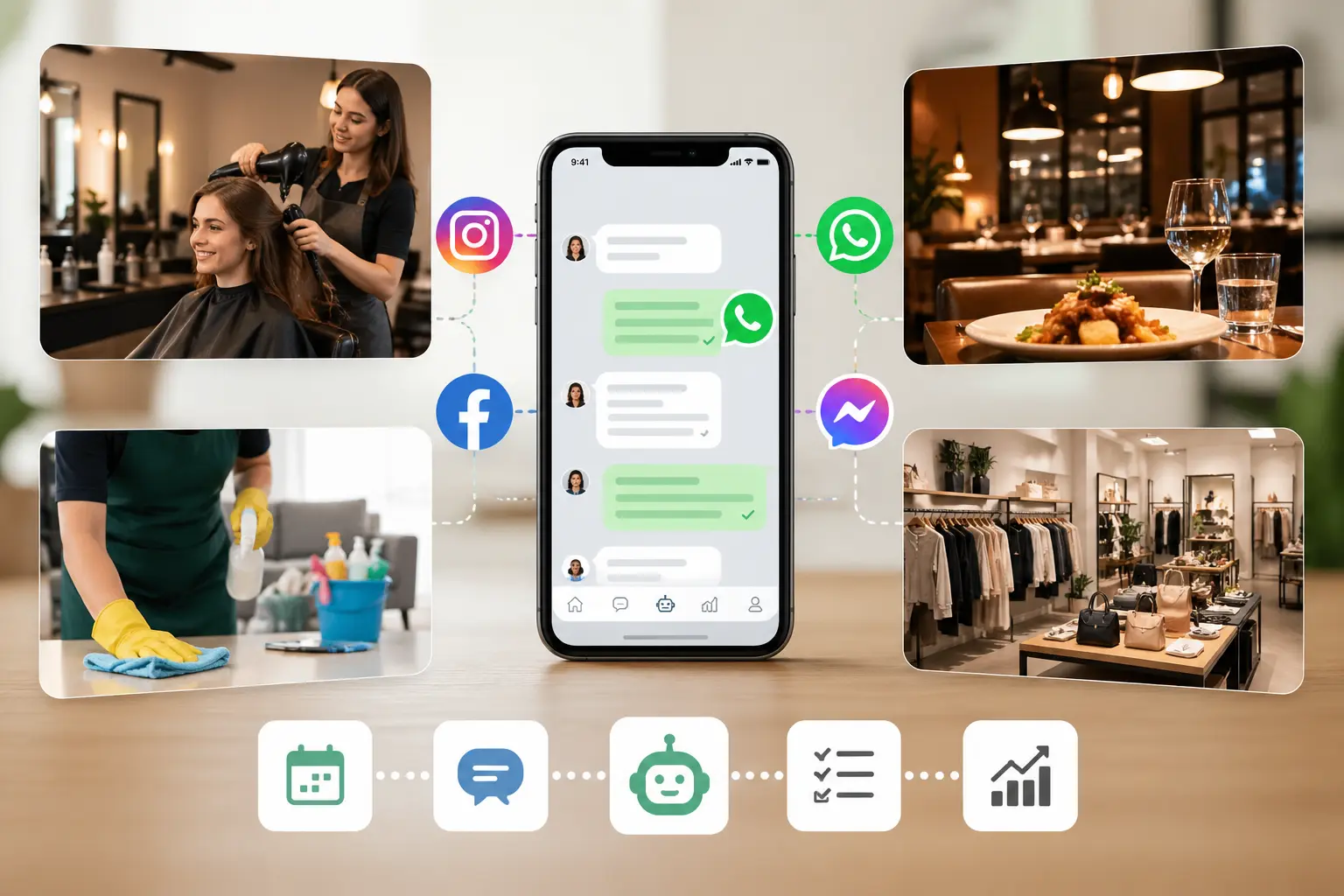
Salons, restaurants, cleaning companies, clinics with appointments, and home services — anywhere customers message for availability and confirmations.
How do you measure WhatsApp ROI?
Track median response time, bookings completed in-chat, repeat purchase messages, and reduced staff hours on manual replies. Open rates are high — the real question is conversion.