
Google Business Profile: The Complete 2026 Setup Guide for Small Businesses
Why Your Google Business Profile Matters More Than Your Website (At First)
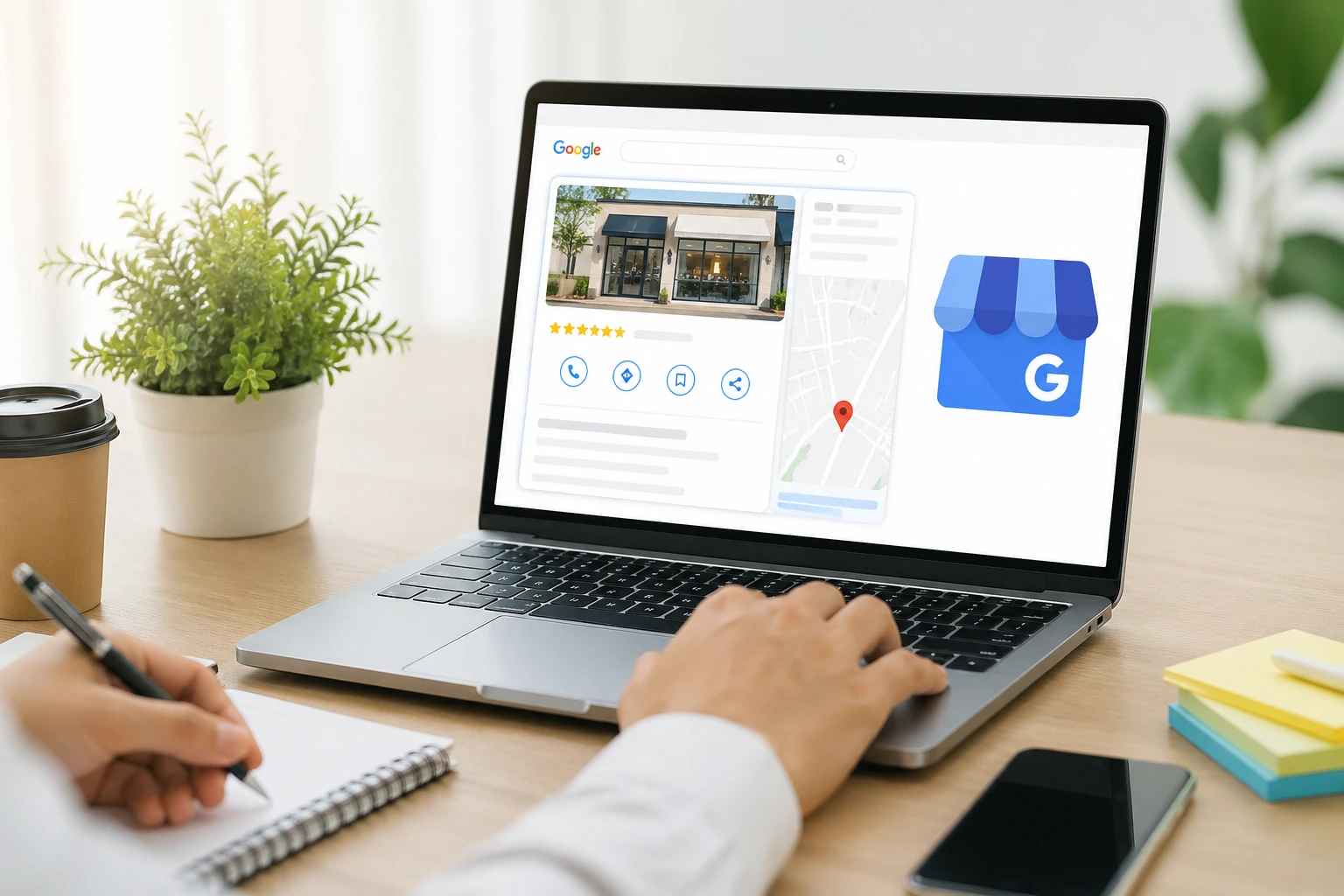
Most local discovery starts on Google — and the profile is the first trust screen: rating, photos, hours, and services. A weak profile makes even a great website irrelevant because people never click through.
Step-by-Step Profile Setup
How to set up a Google Business Profile for a small business
- Claim and verify — Complete verification using the method Google offers for your business model.
- Set accurate basics — Name, address or service area, phone, hours, and appointment links must match your site.
- Choose categories and services — Be specific — “hair salon” beats “beauty salon” when it matches what you actually do.
- Add structured photos — Interior, exterior, team, and work results — refreshed quarterly.
The 7 Optimisation Moves Most Businesses Miss
- Q&A seeding with real customer questions
- Products/services with prices or ranges where possible
- Consistent UTM tracking on website links
- Messaging enabled with fast human response
- Appointment URL deep-linked to the right flow
- Regular photo updates after upgrades or seasons
- Local landing pages that mirror GBP services
How to Get More Reviews (and Why They Matter)
Ask at the moment of delight — right after a successful service — and make the process one tap. Panabotics clients improve conversion when reviews mention specific outcomes, not generic praise.
Published by the Panabotics Team — AI development and local business growth specialists.
Frequently Asked Questions
What is the difference between GBP and a website?
GBP is your public storefront on Google — maps, reviews, photos, and calls-to-action. Your website is where you prove depth: services, proof, booking flows, and brand story. Strong local brands align both.
How many categories should I pick?
One primary category that matches what you sell most, plus supporting categories that are truthful. Overloading irrelevant categories dilutes clarity and can confuse Google and customers.
Should I use Google Posts?
Yes — sparingly and consistently. Posts keep the profile active and give you space to highlight offers, events, and seasonal services.
What if I work from home?
Use the correct service-area settings and privacy options for your market. The goal is honest representation — not hiding legitimate service coverage.
How do I handle bad reviews?
Respond fast, professionally, and without arguing. Prospective customers read how you handle problems — calm responses reduce damage more than silence.